CloudPlay
Premium Membership
Scan the QR code below using any UPI-supported payment app to purchase your CloudPlay Premium subscription.
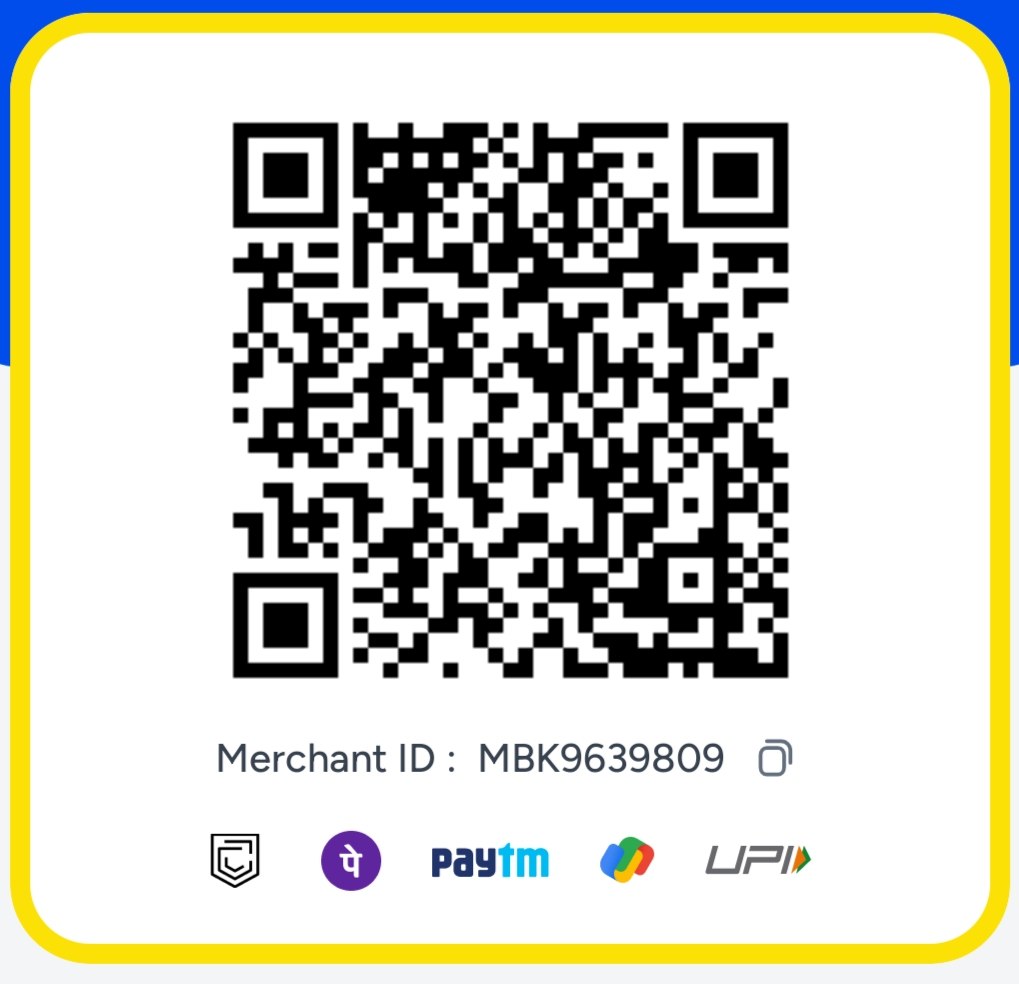
📱 Scan QR Code to Pay
Payment Instructions
Step 1: Open any UPI-supported payment app such as Google Pay, PhonePe, Paytm, BHIM, or your banking app.
Step 2: Scan the QR code displayed above and complete the payment.
Step 3: Save a screenshot of the successful payment confirmation.
Step 4: Send the payment screenshot to our Telegram Bot. After verification, you'll receive your Premium User ID & Password or the Premium APK.
✅ After Successful Payment
Payment verification is usually completed within a few minutes. Once verified, your Premium account details or APK will be sent through our Telegram Bot.
📩 Share Payment Screenshot❓ Need Help?
If your payment fails, the amount is deducted but not reflected, or you experience any other issue, please contact our support. We will assist you as soon as possible.
💬 Contact Support